Skip to content

Corbin Teaches

  • Home
  • Consulting
  • Learn
    • Revit
    • AutoCAD
    • SketchUp
  • Courses
    • Browse All Courses
  • Shop
  • Blog
  • About
  • Home
  • Consulting
  • Learn
    • Revit
    • AutoCAD
    • SketchUp
  • Courses
    • Browse All Courses
  • Shop
  • Blog
  • About
contact

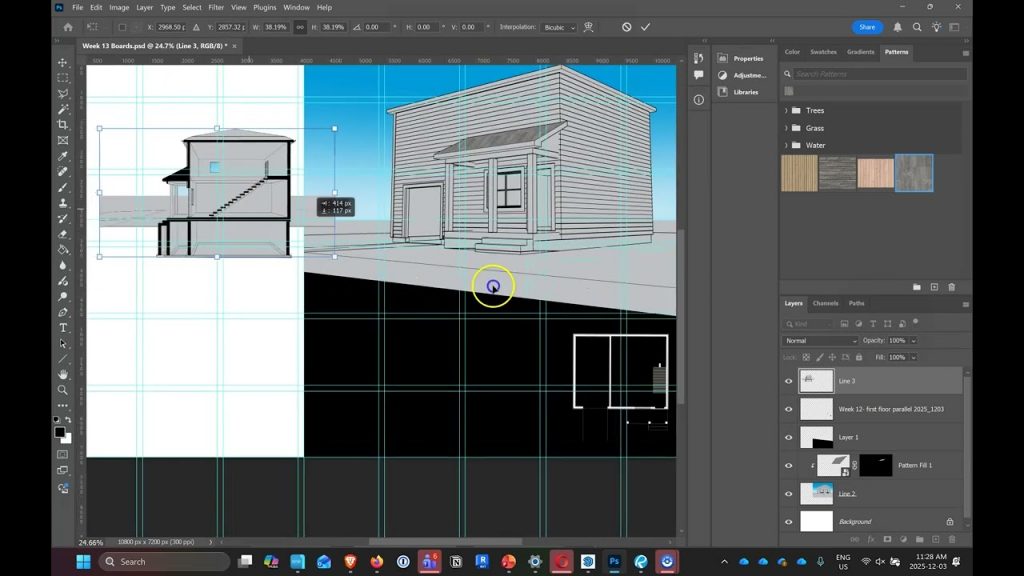
Creating section view scene in Sketchup and exporting view for Photoshop.

Modelling gutter / eavesthrough drain pipe in Sketchup using follow me.

Modelling gutter / eavesthrough in Sketchup.

Adding new windows to siding in Sketchup and cutting out the trim.

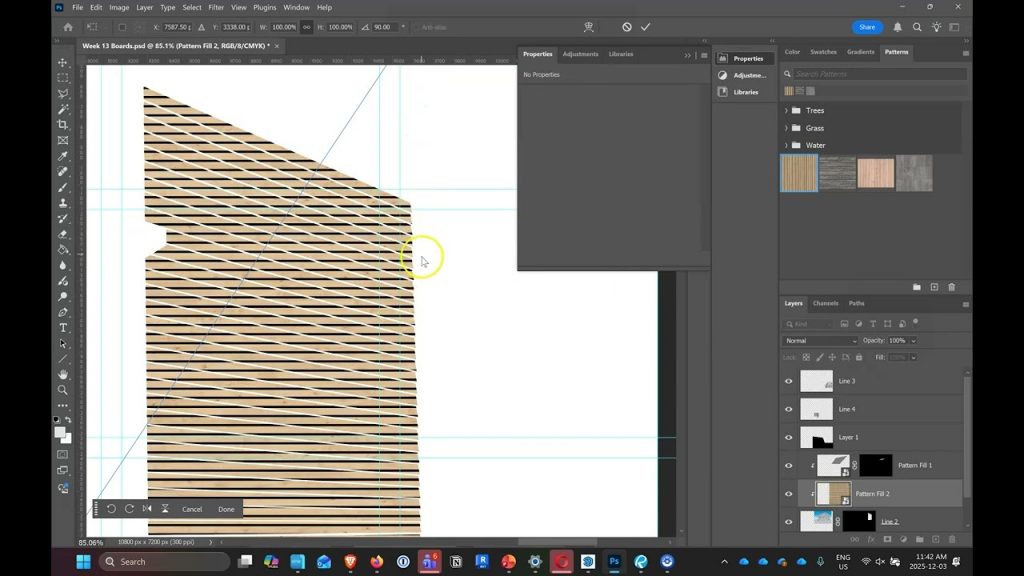
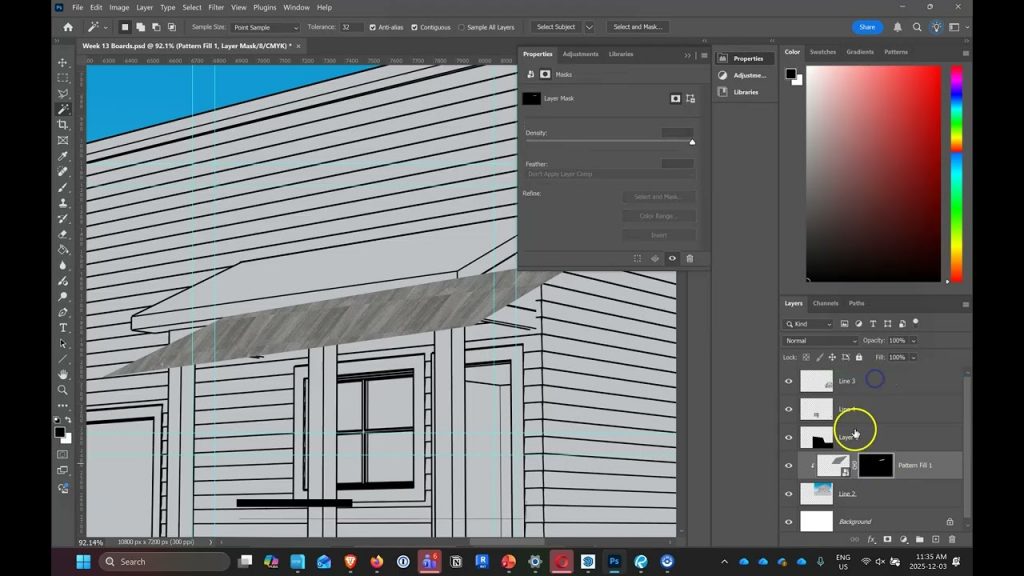
Exporting view / scene from Sketchup in to Photoshop and Canva Affinity to create presentation board

Creating siding, corner trim and window trim in Sketchup. Showing exterior finishes in 3 different l

Fast way of creating step footings in Sketchup

Complex Roofs Using Follow Me or Sweep Tool in Sketchup

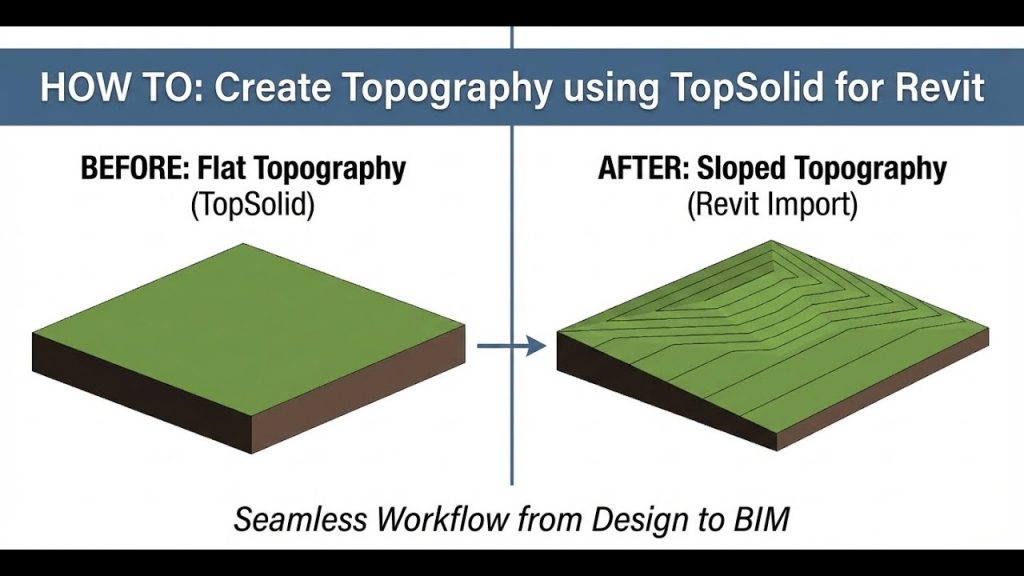
Creating topography in Sketchup and adding slope to the grade from the road to the building.

Creating siding and trim in Sketchup. Showing exterior finishes in 3 different levels of detail.

Creating step footings in Sketchup

Modelling Roofs using follow me or sweep tool in sketchup

Page1 Page2 Page3 Page4 Page5
  • Home
  • Consulting
  • Revit
  • AutoCAD
  • SketchUp
  • Courses
  • Shop
  • Blog
  • About
  • Students
  • Contact Us
  • Home
  • Consulting
  • Revit
  • AutoCAD
  • SketchUp
  • Courses
  • Shop
  • Blog
  • About
  • Students
  • Contact Us

This website is independent. Autodesk Revit, Lumion, Enscape, and Twinmotion are owned by their respective companies. Any mention of these products acknowledges their ownership. Refer to the official websites for trademark and copyright details. Please visit the respective websites for purchasing or more information. 

Corbin Teaches

Consulting, learning, templates, guides,…

LET'S TALK

Copyright Corbin Teaches 2026  |  Privacy Policy