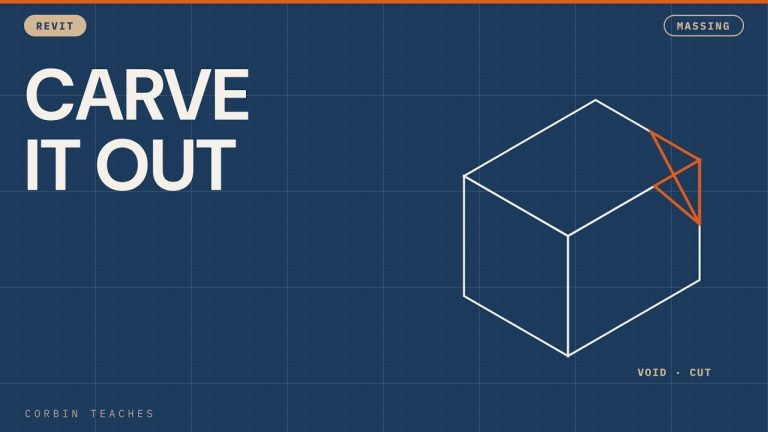
Use the Sweep tool in an in-place generic model to run a profile along a path. I sketch a path with lines and arcs, draw a simple profile, then build a second sweep with Pick Path, turn it into a void and cut it out of the first one.
In this video:
• Architecture tab › Model In-Place › Generic Model
• Sweep part 1: Sketch Path with lines and arcs
• Edit Profile at the crosshair: a simple box (doesn’t need to be centred)
• Sweep part 2: Pick Path on the top edges of the first sweep
• A notched profile, then change it to a void form
• Cut the void out of the first sweep
⏱ CHAPTERS
00:00 Sweep in an in-place generic model
00:20 Sketch the path with lines and arcs
00:45 Edit the profile
01:19 Second sweep with Pick Path
01:42 Profile with a notch
02:09 Change to a void and cut
02:21 Double sweep result
▶ MORE MASSING
Add walls and floors to a mass: https://youtu.be/DIf_DXRKX3o
#Revit #RevitTutorial #BIM
━━━━━━━━━━━━━━━━━━━━━━
🔗 FREE & PAID RESOURCES
━━━━━━━━━━━━━━━━━━━━━━
📁 Notion Business OS for Architects (my most popular template):
https://cpd.gumroad.com/l/civaw?utm_source=youtube&utm_medium=description
📁 Free Notion Issue Tracker for Architects:
https://cpd.gumroad.com/l/cjlls?ref=yt-revit-inplace-sweep
🌐 More Revit tutorials: https://corbinteaches.com
━━━━━━━━━━━━━━━━━━━━━━
CONNECT
━━━━━━━━━━━━━━━━━━━━━━
Subscribe: https://bit.ly/3VFqR86
Instagram: https://bit.ly/3J8l6Io
Architecture work: https://bit.ly/3VPUnrJ