Creating Multi Discipline Revit Central Models for Architectural Engineering Students. Created two models but the theory applies to creating multiple models for Architectural, Furniture, Interior Partitions, Mechanical, Structural, Electrical, and Plumbing.
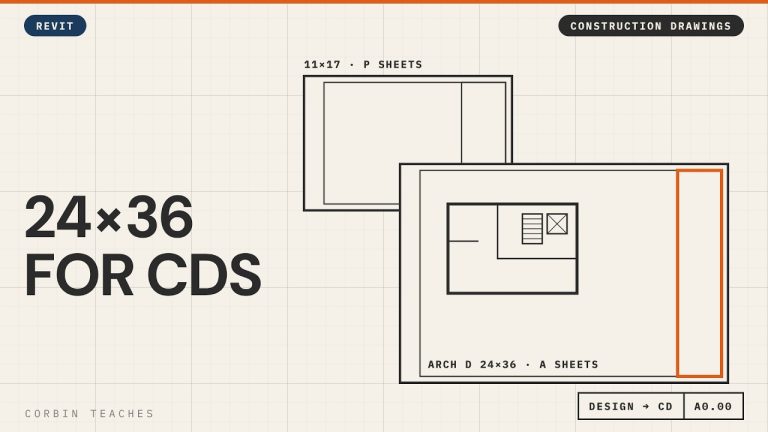
Change the Title Block to Arch D 24×36 — Revit
Change a Revit sheet to an Arch D (24×36) title block and keep your design sheets and construction sheets in the same file. I renumber the 11×17 design sheets from A to P with pyRevit, create new A sheets, then load and edit the Autodesk D title block to 24×36 with a 1″ binding margin.
In this video:
• Two sheet sets in one model: P sheets (11×17 design) and A sheets (Arch D construction)
• Renumber sheets in bulk with pyRevit’s ReValue tool
• New sheet A0 Cover Page
• Load the D 22×34 title block from the Autodesk library and resize it to 24×36
• Margins: 1/2″ all round, 1″ on the binding edge
• Remove the Autodesk logo and consultant boxes, keep the revision schedule
• Save it to your own family library and swap the title block on the sheet
⏱ CHAPTERS
00:00 Design sheets vs construction sheets
00:35 Renumber the design sheets to P
01:07 Bulk renumber with pyRevit ReValue
01:45 New A sheet for the cover page
02:18 Load the Arch D title block
03:12 Resize the title block to 24×36
04:02 Margins and the binding edge
04:34 Remove the logo and consultant boxes
04:51 Save it and swap it on the sheet
▶ DESIGN TO CONSTRUCTION DRAWINGS
Part 2, design, CD and working views: https://youtu.be/g4AHt1J606k
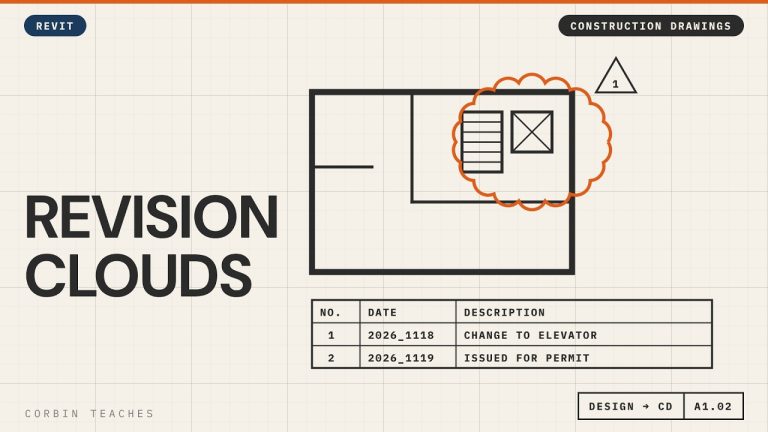
Part 3, revision clouds and issues: https://youtu.be/Y9e53z65nV0
#Revit #RevitTutorial #BIM
━━━━━━━━━━━━━━━━━━━━━━
🔗 FREE & PAID RESOURCES
━━━━━━━━━━━━━━━━━━━━━━
📁 Notion Business OS for Architects (my most popular template):
https://cpd.gumroad.com/l/civaw?utm_source=youtube&utm_medium=description
📁 Free Notion Issue Tracker for Architects:
https://cpd.gumroad.com/l/cjlls?ref=yt-arch-d-title-block
🌐 More Revit tutorials: https://corbinteaches.com
━━━━━━━━━━━━━━━━━━━━━━
CONNECT
━━━━━━━━━━━━━━━━━━━━━━
Subscribe: https://bit.ly/3VFqR86
Instagram: https://bit.ly/3J8l6Io
Architecture work: https://bit.ly/3VPUnrJ