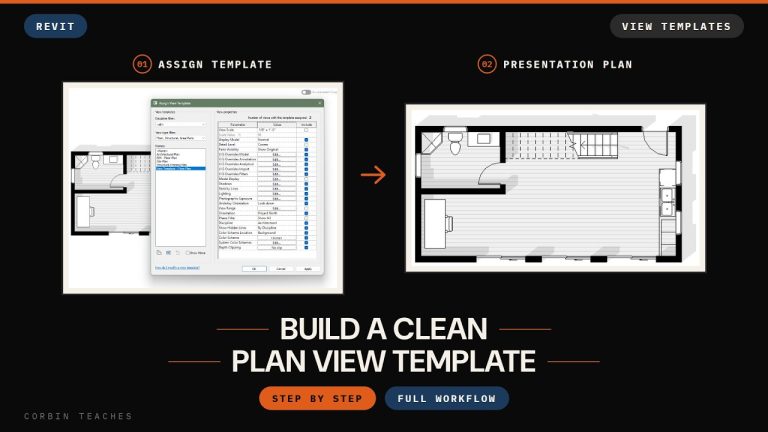
Build a Clean Plan View Template — Revit
Set up black wall poché, a grey floor fill, hidden clutter and shadows in Visibility/Graphics, then save it all as a view template you can apply to every plan.
Set up black wall poché, a grey floor fill, hidden clutter and shadows in Visibility/Graphics, then save it all as a view template you can apply to every plan.
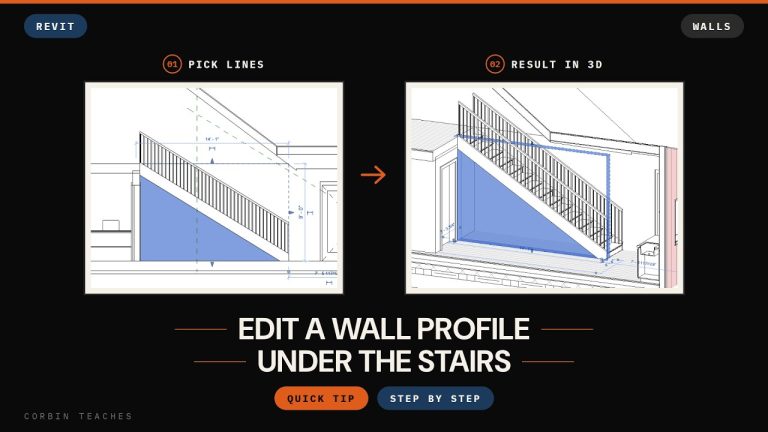
Set up a section or a 3D view with a section box, draw the wall unconnected, then use Edit Profile with Pick Lines to follow the underside of the stringer.
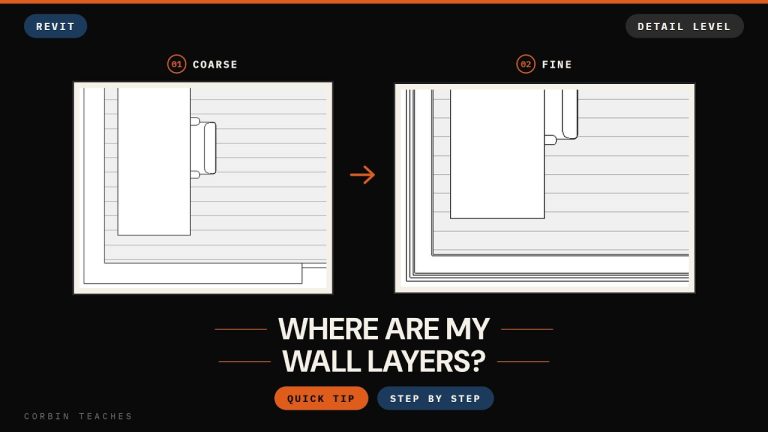
Modelled your wall layers but can’t see them in plan or section? The view is on Coarse. Switch Detail Level to Fine in the view control bar.